Understand each component's role
| Component |
What to establish before selection |
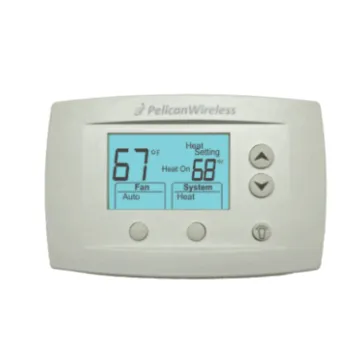
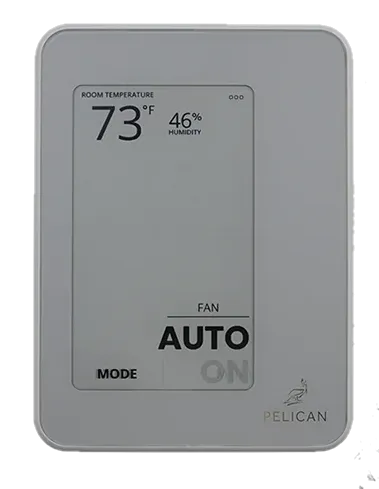
| Thermostat |
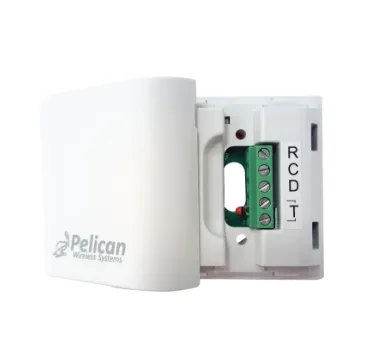
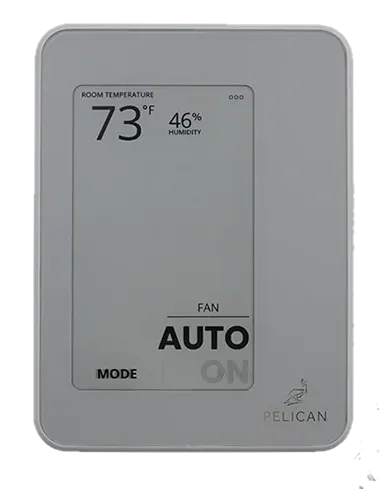
Which equipment or zone it controls, and the sensing and wiring requirements of the exact model |
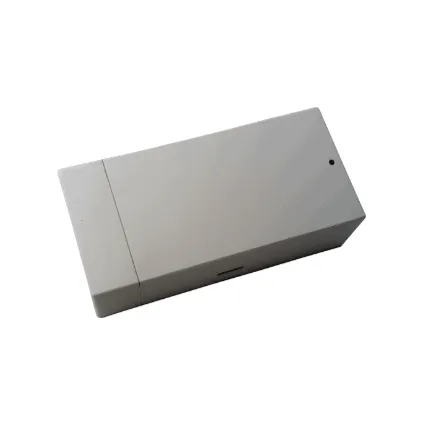
| Gateway |
How the site's device network reaches online management and which network connection is available |
| Zone coordinator |
How the central HVAC unit and individual zones work together; use the applicable sequence and installation documents |
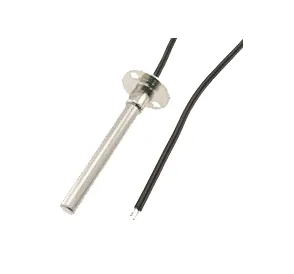
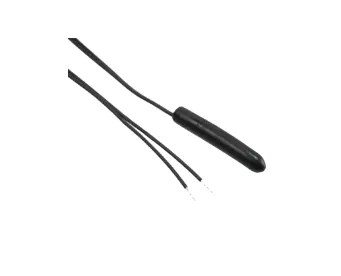
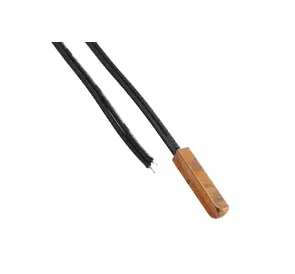
| Sensor or interface |
What it measures or connects, and which controller accepts it |
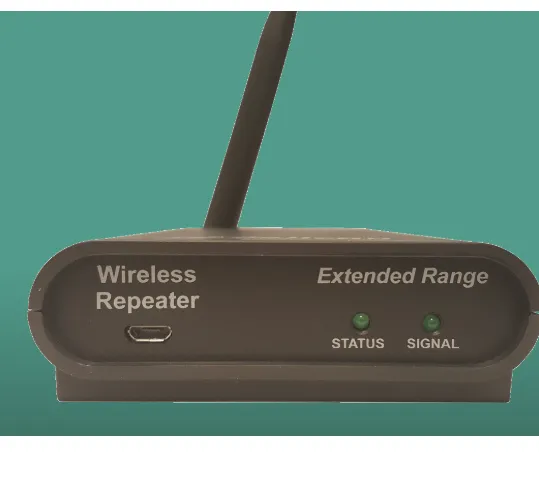
| Repeater |
Whether the existing wireless network needs a supported extension device |
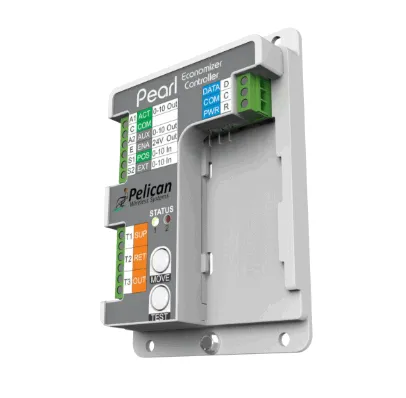
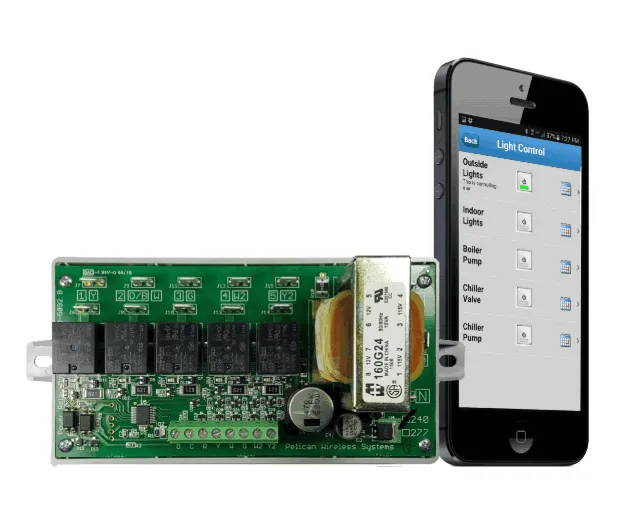
| Equipment or power controller |
The specific control task, connected load, and required inputs and outputs |
Explore our Pelican building-system overview for the project context behind these components. Use exact-model documents to establish dependencies and compatibility.
Plan the gateway and network
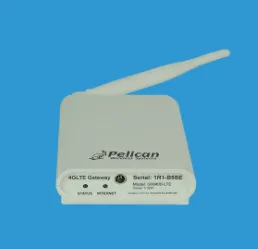
Pelican's gateway range includes Ethernet and cellular options. The gateway's internet connection and the Pelican device network serve different roles, so document both when planning a site.
For GW400-LTE projects, review Pelican's cellular service requirements and terms before selecting the connection method. Do not assume that a gateway, service plan, or accessory is included with another component. The official gateway overview provides model-specific resources and connection information.
Prepare a building-controls project
Record the thermostat and controller models at each unit, the gateway model, existing sensors, and the equipment being controlled. Include the intended operating sequence and whether the work is a replacement, an expansion, or a new installation.
For zoned equipment, identify the central controller and individual zone controls together. Check document revisions before applying capacity or electrical ratings to existing hardware. Our wireless controls inventory guide provides a starting checklist.