
Building system
Pelican Wireless Building Controls
Connected commercial HVAC controls, from TC thermostats and cellular gateways to equipment controllers, zoning and remote sensing.
System components
Thermostats & kits
Pelican Wireless
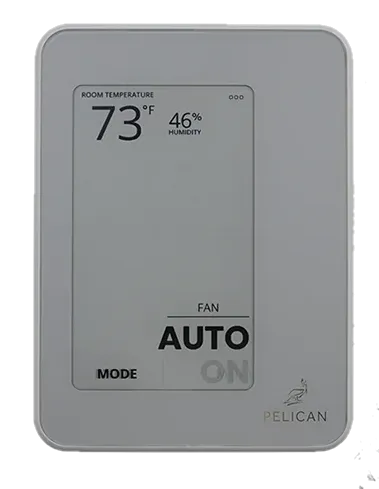
Pelican Wireless TC1 Commercial Thermostat
Model TC1 SKU 190132
Connected commercial thermostat with temperature sensing for Pelican building controls. Requires a Pelican Gateway.
- Supply voltage
- 24 V AC nominal, 60 Hz; operating range 23–30 V AC
- Communication protocols
- Pelican mesh network; not Wi-Fi
- Power sources
- Hardwired AC
Loading price…
View details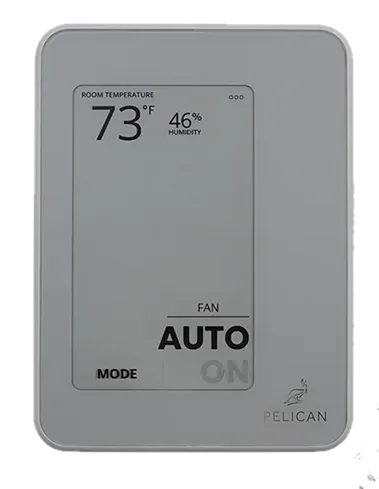
Pelican Wireless
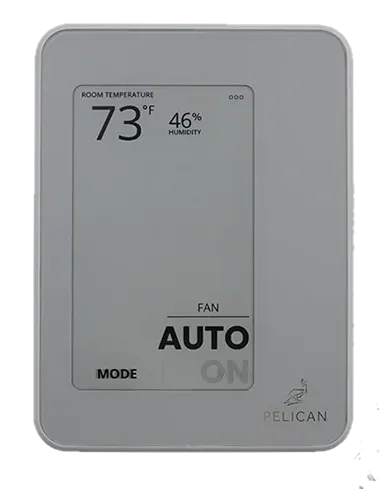
Pelican Wireless TC2 Commercial Thermostat with Humidity
Model TC2 SKU 190133
Connected commercial thermostat with temperature and humidity sensing plus dedicated humidity-control outputs.
- Supply voltage
- 24 V AC nominal, 60 Hz; operating range 23–30 V AC
- Communication protocols
- Pelican mesh network; not Wi-Fi
- Power sources
- Hardwired AC
Loading price…
View details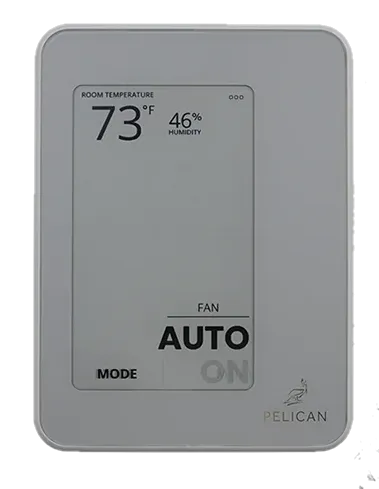
Pelican Wireless
Pelican Wireless TC3 Commercial Thermostat with CO₂
Model TC3 SKU 190134
Connected commercial thermostat with temperature and CO₂ sensing for Pelican building controls. Requires a Pelican Gateway.
- Supply voltage
- 24 V AC nominal, 60 Hz; operating range 23–30 V AC
- Communication protocols
- Pelican mesh network; not Wi-Fi
- Power sources
- Hardwired AC
Loading price…
View detailsPelican Wireless
Pelican Wireless TC4 Commercial Thermostat with Humidity and CO₂
Model TC4 SKU 190135
Connected commercial thermostat with temperature, humidity and CO₂ sensing for Pelican building controls. Requires a Pelican Gateway.
- Supply voltage
- 24 V AC nominal, 60 Hz; operating range 23–30 V AC
- Communication protocols
- Pelican mesh network; not Wi-Fi
- Power sources
- Hardwired AC
Loading price…
View detailsGateways & connectivity
Pelican Wireless
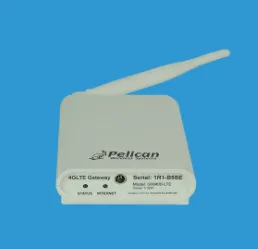
Pelican Wireless GW400-LTE Cellular Gateway
Model GW400-LTE SKU 190130
4G LTE gateway connecting Pelican mesh devices through Pelican AnyWhere cellular service.
- Supply voltage
- 5 V DC input; adapter plugs into a 120 V AC outlet
- Communication protocols
- Pelican mesh for local devices; cellular Internet uplink
- Power sources
- Supplied wall power adapter
Loading price…
View details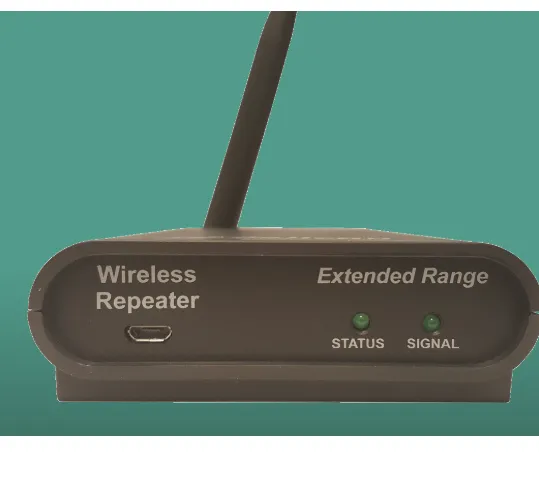
Pelican Wireless
Pelican Wireless WR400 Wireless Repeater
Model WR400 SKU 190105
Plug-in repeater that extends an existing 2.4 GHz Pelican mesh network between devices or buildings.
- Supply voltage
- 5 V DC at repeater; supplied 115 V AC adapter
- Communication protocols
- Pelican mesh; no Ethernet connection required
- Power sources
- Supplied AC power adapter
Loading price…
View detailsEquipment & zone controllers
Pelican Wireless
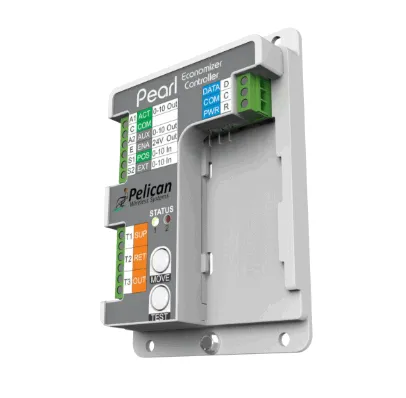
Pelican Wireless PEARL Advanced Equipment Controller
Model PEARL SKU 190108
Pelican thermostat accessory for economizer, ventilation, variable-speed fan and modulating equipment control.
- Supply voltage
- 24 V AC, 60 Hz
- Communication protocols
- Three-wire connection to a Pelican thermostat
- Power sources
- Hardwired AC
Loading price…
View details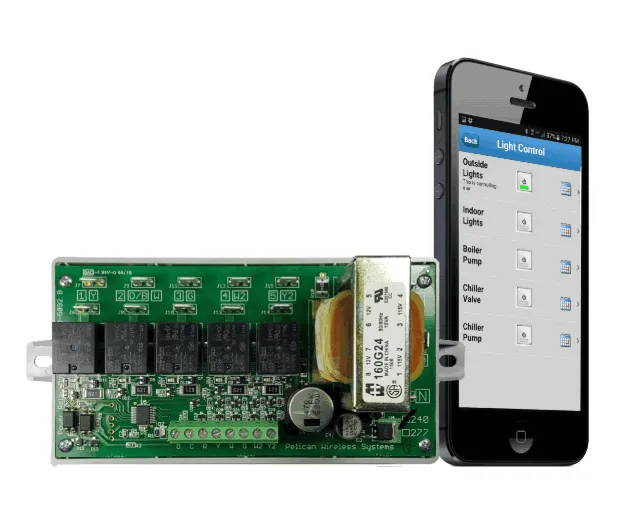
Pelican Wireless
Pelican Wireless PM5-120/240 Power Control Module
Model PM5-120/240 SKU 190119
Five-relay Pelican power control module for scheduled or demand-linked switching of suitable electrical loads.
- Supply voltage
- 120 V AC or 208–240 V AC per installation guide; correct input terminals required
- Communication protocols
- Pelican mesh through separate low-voltage antenna module
- Power sources
- Line-voltage AC
Loading price…
View details
Pelican Wireless
Pelican Wireless Z8 Zone Coordinator
Model Z8 SKU 190115
Central HVAC zone coordinator for up to eight Pelican zone-thermostat demands, with equipment outputs and duct static-pressure control.
- Supply voltage
- 24 V AC nominal, 60 Hz; operating range 23–30 V AC
- Heating and cooling stages
- Up to three heating and three cooling stages; sequence and equipment configuration must be verified
- Communication protocols
- Pelican mesh network; not Wi-Fi
Loading price…
View detailsSensors & remotes
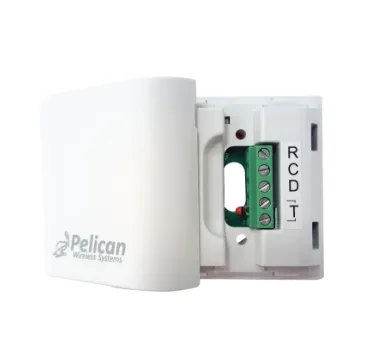
Pelican Wireless
Pelican Wireless TA1 Temperature and Alarm Sensor
Model TA1 SKU 190104
Wired sensor accessory for temperature monitoring, averaging, or a dry-contact input on a compatible Pelican device.
- Communication protocols
- Pelican three-wire R/C/D connection
- Mounting
- Flat surface in a moisture-free location; device is not waterproof
- Power sources
- Hardwired AC
Loading price…
View details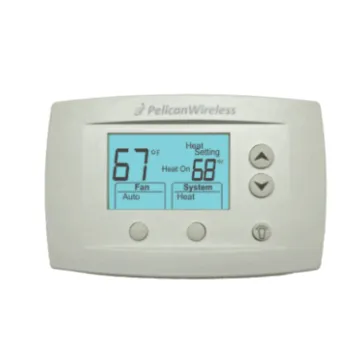
Pelican Wireless
Pelican Wireless RT1-DC Battery-Powered Remote Thermostat
Model RT1-DC SKU 190110
Battery-powered Pelican remote temperature sensor and adjustment interface for a compatible thermostat or TCM1 controller.
- Measured variables
- Temperature
- Communication protocols
- Pelican wireless mesh; this battery model does not repeat wireless signals
- Mounting
- Interior wall or electrical box, horizontal orientation
Loading price…
View details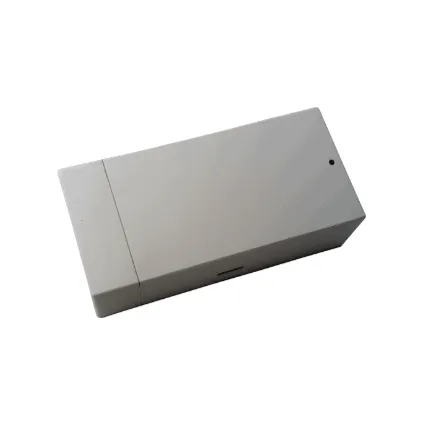
Pelican Wireless
Pelican Wireless PRX1 Door/Window and Contact Sensor
Model PRX1 SKU 190111
Battery-powered wireless input for door/window status or an external occupancy sensor on a Pelican thermostat.
- Communication protocols
- Pelican mesh
- Power sources
- Two AA batteries
Loading price…
View details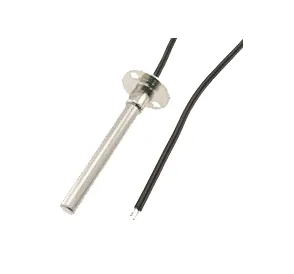
Pelican Wireless
Pelican Wireless PROBE-T1 Duct Temperature Probe
Model PROBE-T1 SKU 190112
Flange-mounted 10K Type II temperature probe for a compatible thermistor input.
Loading price…
View details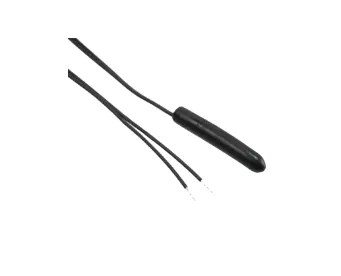
Pelican Wireless
Pelican Wireless PROBE-T2 Vinyl Temperature Probe
Model PROBE-T2 SKU 190113
Vinyl 10K Type II temperature probe for a compatible thermistor input.
Loading price…
View details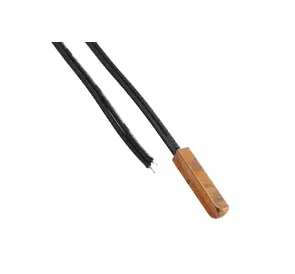
Pelican Wireless
Pelican Wireless PROBE-T3 Copper Temperature Probe
Model PROBE-T3 SKU 190114
Copper 10K Type II temperature probe for conductive-surface sensing with a compatible input.
Loading price…
View detailsSystem overview & requirements
Pelican brings thermostats, equipment controllers and sensing into a commercial building-control system managed through its web application. Devices communicate over a Pelican mesh network, with a gateway providing the connection for setup and remote management.
Choose the room thermostat
- TC1: temperature control.
- TC2: adds humidity sensing.
- TC3: adds CO2 sensing.
- TC4: combines temperature, humidity and CO2 sensing.
The TC family provides scheduling and configurable occupant access. Match the model and connected equipment to the required control sequence; a measured humidity or CO2 value alone does not add the equipment needed to change it.
Connect the site
The GW400-LTE cellular gateway connects a 2.4 GHz Pelican mesh through Pelican AnyWhere cellular service. Activation, service fees and suitable coverage are required. This is a cellular gateway, not the newer dual-band Ethernet GW900.
The WR400 repeater extends an existing 2.4 GHz mesh path. It does not provide Internet access. For an expansion, identify the installed gateway and radio generations before selecting communication hardware; an existing suitable gateway may already serve the site.
Control equipment and zones
The PEARL equipment controller works with TC-series thermostats for supported economizer, ventilation and modulating-equipment sequences. Demand-based ventilation needs a CO2-sensing thermostat such as TC3 or TC4 and the appropriate equipment, actuators and sensors.
The PM5-120/240 power control module provides scheduled or configured demand-linked switching for suitable electrical loads. Match each load and any required contactor to the module's ratings.
For central equipment serving multiple zones, the Z8 zone coordinator coordinates up to eight zone-thermostat demands. A complete zoning project also needs the appropriate zone thermostats, damper interfaces, actuators and equipment sensors. The Z8 page identifies unresolved hardware-rating differences that need confirmation for electrical sizing and enclosure planning. Request a zoning project review before assembling a system.
Add sensing and local inputs
- TA1: a wired temperature or dry-contact input accessory. A TC thermostat can use one TA1; the selected input function determines the application.
- RT1-DC: a battery-powered remote temperature and adjustment interface for a compatible master device. This legacy model does not repeat mesh signals; confirm the master-device pairing before ordering.
- PRX1: a wireless door/window or external dry-contact input. An occupancy application needs a separate occupancy sensor.
- PROBE-T1, PROBE-T2 and PROBE-T3: temperature probes for compatible thermistor inputs. Choose the probe construction for the measurement location and confirm the controller input.
Plan a new site or expansion
Collect installed model numbers, controller revisions, equipment schedules, wiring photographs and the intended sensing locations. Document the gateway, Internet arrangement and wireless paths between equipment areas. The components below are individual selections, not a complete bill of materials for every Pelican application. Send your project details for help identifying the remaining controls and interfaces.